
 Posted by
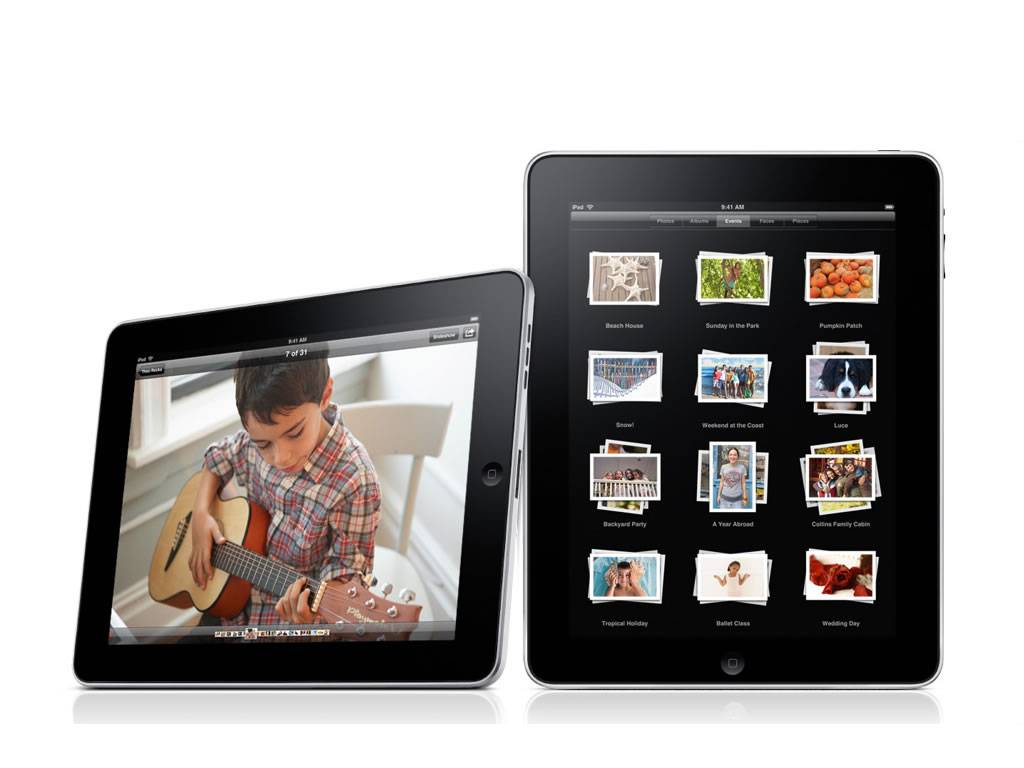 Avatron Software, a leading developer of popular applications for the Apple iPhone OS platform, just launched its new Air Display app that turns any iPad into an extra monitor for netbook, laptop or desktop computers, adding up to 70 percent more usable screen space. Following its launch, Air Display shot up to the top-grossing third-party app position on iTunes.
The lightweight app improves productivity by allowing users to reposition windows or workflow elements onto the separate screen to free up more workspace. It is ideal for pairing with small laptops, such as the MacBook Air. A Windows version is currently under development.
“Air Display is perfect for times when you need more screen space, especially for graphics software like Photoshop, Office or iWork, or games that require more room than a 13″ screen can provide,” said Dave Howell, CEO of Avatron Software. “The app makes it incredibly easy to setup the iPad on a desk, at a coffee shop—wherever you need some extra workspace. You just launch the app and it’s ready to go.”
Air Display connects the devices over a localized wireless network and leverages the iPad’s auto-rotation feature, allowing the device to be rotated in portrait or landscape orientation as needed. The iPad can be positioned to the left or right of the primary screen, and the device’s hallmark touch-screen functionality can still be used to manipulate features on the iPad screen, just as if it were being used alone.
The app delivers hi-performance mouse capabilities with a screen refresh rate of 150 frames per second for no perceivable lag time in mouse performance. Compressed image quality and refresh speed are continually balanced to optimize viewing quality or speed of movement as needed.
For easy installation, the required Mac components are installed to the main machine, with the Air Display app loaded on the iPad. Once basic configurations are made, the main machine automatically recognizes the iPad as a secondary monitor each time the app is loaded on the device. Once the iPad app is closed, the main machine automatically returns to single-screen mode.
For best results, a stand may be used to position the iPad in the ideal viewing position—a picture frame, plate holder or folding stand works well, as do some iPad cases.
Designed by seasoned Mac OS developers with more than 25 years of Apple software engineering experience, Air Display is the result of deep iPlatform knowledge to most effectively leverage the platform’s unique capabilities.
Avatron’s success with its first two iPad apps are the result of the company’s focus on productivity apps, which translate very well on the iPad, relative to the iPhone. Avatron’s first iPad app was Air Sharing HD, which lets users transfer virtually every file type from their desktop to the iPad, creating a portable document storage device.
